

在系统状态栏中显示进度条
时 间:2005-04-12 00:00:00
作 者:竹笛 ID:8 城市:上海 QQ:3059255
摘 要:本文介绍了如何在系统状态栏中显示进度条,使用了SysCmd函数。我的例子是对69万条数据进行计数,很有意思,快得不得了:)
正 文:
文章正文:
第一步:新建一MDB,创建一个Customers表,表中放上60万条数据。
第二步:创建一个新模块MODtest,复制代码到模块中:
'要引用DAO
Option Explicit
Function Meter()
Dim MyDB As DAO.Database, MyTable As DAO.Recordset
Dim Count As Double
Dim Progress_Amount As Double, RetVal As Variant
Set MyDB = CurrentDb()
Set MyTable = MyDB.OpenRecordset("Customers")
' Move to last record of the table to get the total number of records.
MyTable.MoveLast
Count = MyTable.RecordCount
' Move back to first record.
MyTable.MoveFirst
' Initialize the progress meter.
RetVal = SysCmd(acSysCmdInitMeter, "正在读数据...", Count)
' Enumerate through all the records.
For Progress_Amount = 1 To Count
' Update the progress meter.
RetVal = SysCmd(acSysCmdUpdateMeter, Progress_Amount)
'Print the contact name and number of orders in the Immediate window
' Debug.Print MyTable![ContactName]; _
DCount("[OrderID]", "Orders", "[CustomerID]='" & MyTable![CustomerID] & "'")
' Goto the next record.
MyTable.MoveNext
Next Progress_Amount
' Remove the progress meter.
RetVal = SysCmd(acSysCmdRemoveMeter)
End Function
第三步:创建一新窗体frmTest,在frmTest中创建一个按钮cmdTest,在cmdTest的单击事件写下面的代码:
Private Sub cmdTest_Click()
'显示状态栏
Application.SetOption "Show Status Bar", True
Meter
End Sub
Access软件网QQ交流群 (群号:54525238) Access源码网店
相关文章:
 【access小品】杏花村---状态栏进度条 【todaynew 2010/4/13】 带进度条数据初始化 【lyxiong 2010/11/29】 类模块_进度条优化版 【AskHeart 2010/12/8】 【Access技巧示例】通过查询将数值转换为百分比进度条的例子 【红尘如烟 2011/2/15】 【Access源码示例】进度条 【漏蛧尐魚℡ 2013/9/12】 有倒计时的进度条源码 【麥田 2015/4/4】
Access网店:
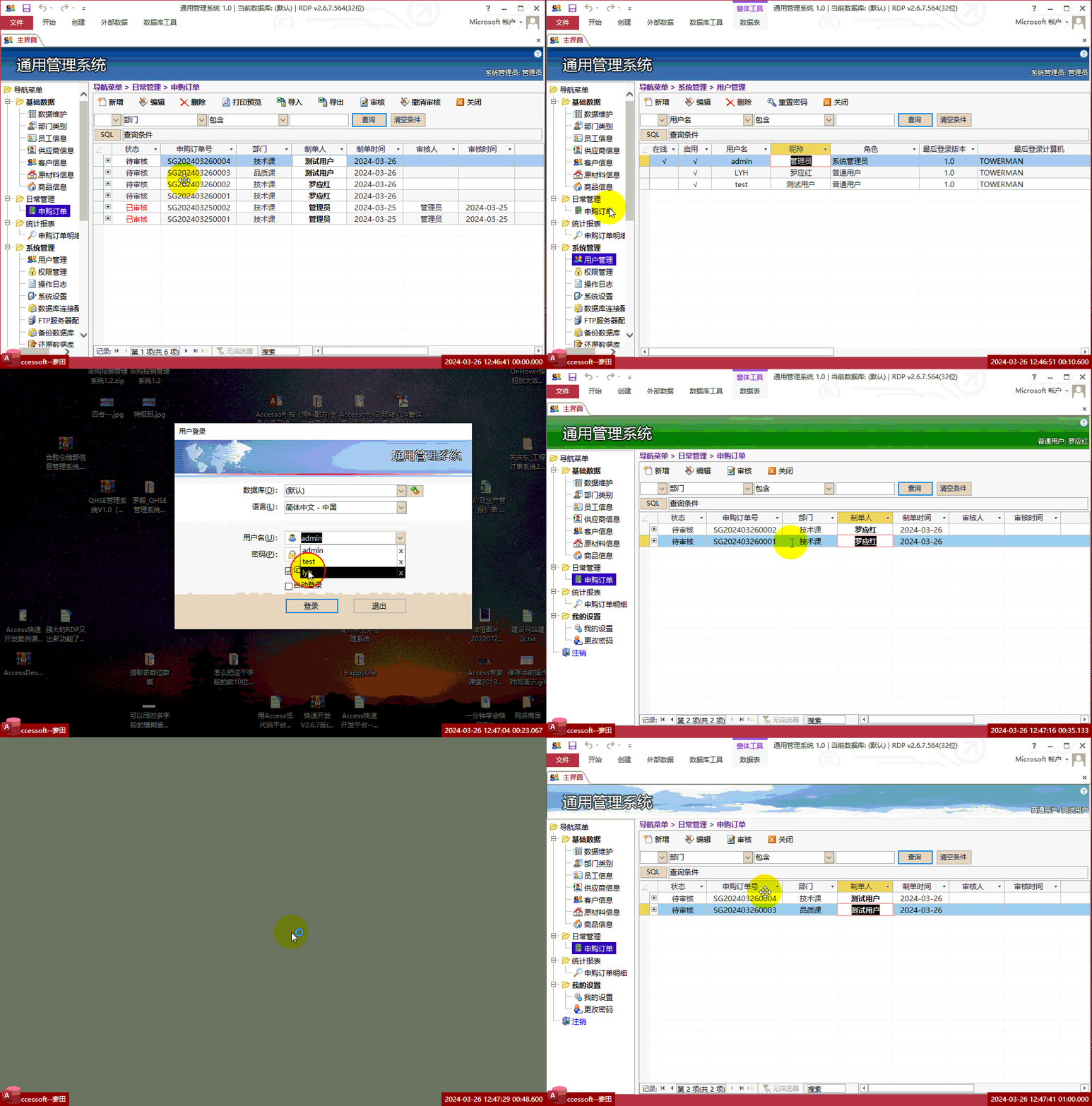
Access快速开发平台--操作员只能查看自己的数据,管理员可以查看所有数据
价格:¥500 元.gif)
Access快速开发平台--打印预览选中的多项记录示例
价格:¥100 元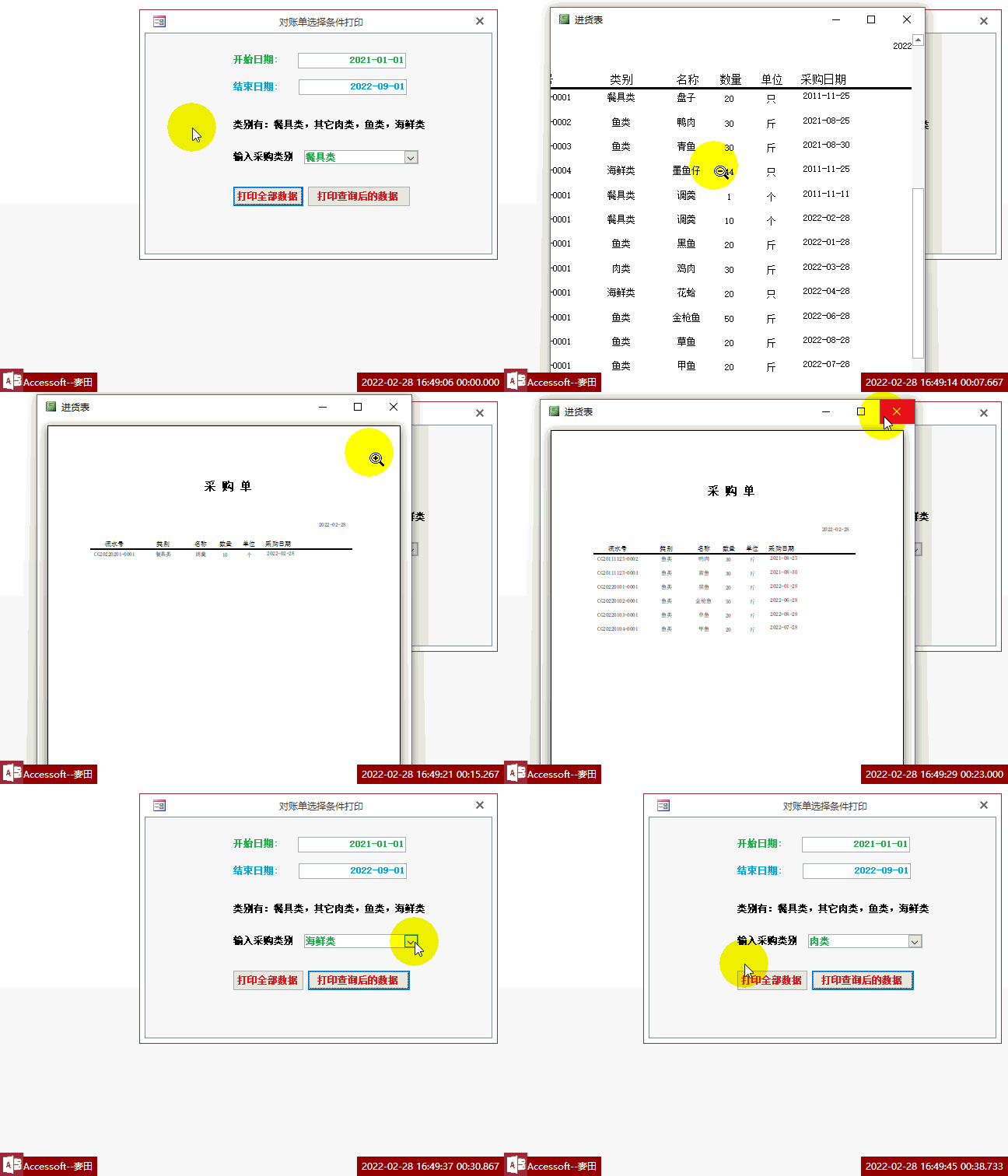
【Access报表】打印查询结果到报表,多条件查询符合条件的记录并用报表打印
价格:¥50 元
常见问答:
技术分类:
源码示例
- 【源码QQ群号19834647...(12.17)
- Access自定义消息盒Msg...(04.28)
- Access怎么按每个月份里面...(03.09)
- Access怎么按季度来统计人...(02.26)
- Access怎么按年龄段来统计...(01.26)
- 【Access高效办公】上一年...(12.29)
- 用Access连续窗体制作的树...(11.03)
- 【Access高效办公】上一年...(10.30)
- Access制作的RGB转CM...(09.22)
- Access制作的RGB调色板...(09.15)

学习心得

最新文章
- 如何更改快速开发平台上的窗体按钮(06.20)
- 用Excel模仿Access开发《...(06.17)
- Access快速开发平台导航箭头改...(06.15)
- Access2024官方下载,Ac...(06.11)
- Access快速开发平台--后台A...(06.03)
- 将bit字段的Null值更新为Fa...(06.01)
- 用VBA批量更改SQL SERVE...(05.30)
- 用SQL代码更改SQL Serve...(05.29)
- Access快速开发平台--图片附...(05.29)
- 如何用VBA检查表有没有设置主键(05.28)
